LLMjacking and the cost of a stolen AI API key
Yoni Fraimorice
When someone steals an AI API key, their requests can appear as normal paid usage on your account. That is the basic problem behind LLMjacking. The attacker uses or resells access to a model, and the account owner receives the charges.
In a November 3 report, Google's Threat Intelligence Group and Mandiant describe incidents across several cloud and model providers. Some generated more than $100,000 in fraudulent charges in one day. At some organizations, cumulative charges reached $1 million before access was revoked.
Those numbers describe serious observed cases. They do not tell us what a typical stolen key will cost.
What Google observed
Google says the group it tracks as UNC6993 used a compromised service account key to gain access to an LLM API. The group attempted to create more API keys and enable related services, accumulating over $100,000 in charges.
In another case, an attacker made more than 500,000 LLM API calls in under eight hours. Google links stolen third-party keys to Jet Night, a service that resold model access and passed nearly $1 million in token costs to a victim.
The report does not give a median loss or enough data to describe a typical incident. It describes charges, not the final amount victims paid after any billing disputes or credits. It also does not establish how often exposed keys lead to abuse.
For your system, the likely cost depends on accessible models, allowed usage and how long the attacker can keep spending. A narrowly restricted test credential differs from a cloud administrator credential that can enable services or raise quotas.
A model key and an administrator key are different risks
Google's cases include exposed model API keys, but also stolen cloud identities, repository tokens and active sessions. Some attackers used their initial access to find other secrets or create persistent accounts.
In several investigations, the victims had not enabled the LLM services before the compromise. The attackers enabled them.
This matters when assigning permissions. An application that calls a model should not also be able to create credentials, change billing controls or grant itself more access.
Give each application and environment its own identity. Prefer short-lived workload credentials where supported. Google's service account guidance recommends avoiding user-managed service account keys when alternatives exist.
For unavoidable provider API secrets, use a protected secret store. Keep them out of browser bundles, repositories and logs. Scan commits for secrets, and revoke exposed keys rather than merely deleting the text.
Check what "restricted" means for your provider. Google's API key restrictions can limit allowed APIs and callers. Restricting a key to an AI service does not automatically restrict it to that service's cheapest model.
Enforce model allowlists through provider permissions where available, or through an authenticated gateway that keeps the upstream key private. A gateway cannot protect against someone who steals that upstream key and calls the provider directly. Provider-side restrictions still matter.
Check whether the spending control rejects requests
A budget notification and a spending limit do different jobs.
| Control | What it does | What to check |
|---|---|---|
| Budget alert | Notifies someone about spending | It may not stop any requests. |
| Request or token quota | Limits consumption within a period | Different models and output lengths have different costs. |
| Provider spend cap | Stops new usage after a spending threshold | Confirm coverage, delay and treatment of work already running. |
| Gateway budget | Rejects requests that exceed an application allowance | It only covers traffic that must pass through the gateway. |
Google explicitly says alerts-only budgets do not cap usage. It also now documents spend cap budgets for eligible services, including the Gemini API. These cover one project and one service per monthly budget. Enforcement is not instant, and requests already running can finish and incur charges.
Separately, AI Studio's billing documentation describes experimental project spend caps with roughly ten minutes of processing delay and possible overages. Availability depends on the account type. Do not treat either feature as a universal, exact-dollar cutoff.
Set limits below the maximum loss you can accept. Combine them with token, concurrency and model limits. Restrict who can raise quotas or lift caps, and alert on those changes.
At a gateway, reserve a conservative maximum request cost before sending it upstream. Include input size, allowed output and other billable work. Update the reservation when actual usage arrives. Parallel requests must share one accounting decision, or each may spend the same remaining balance. If accounting is unavailable, reject new paid requests. Agree on the resulting service interruption before enabling this control.
Calculate what a delay can cost
Consider a made-up workload with 600 requests per minute and an average cost of $0.02 per request. It spends $12 per minute.
At that rate, a 20-minute delay before blocking new requests adds about $240. Jobs or streams already running may keep adding charges after the block. These are example numbers, not Google's measured rates.
A billing alert might arrive after much more spending. Even a spend cap can overshoot while usage records catch up. Measure the actual delay in your setup and leave room for it.
Lower request rates help, but expensive models or long outputs can still make each request costly. Test the most expensive usage the credential permits.
Detect changes before the bill arrives
Google observed attackers testing stolen keys with tiny requests before starting heavy use. A system that only looks for large traffic spikes may miss that stage.
Track request counts, tokens and estimated cost by application identity and model. Compare them with each workload's normal behavior. Watch for unfamiliar callers, newly used expensive models and bursts of small validation requests.
Small requests alone are not proof of abuse. Health checks can look similar. Combine signals with credential creation, unexpected service activation, quota changes or attempts to turn off logging.
Enable the relevant inference logs as well as administrative audit logs. Google's report notes that some data-access logging requires explicit setup. Keep credential identifiers rather than secret values, and avoid collecting full prompts unless needed.
Send urgent alerts to someone who can block the affected identity. An unattended billing inbox does not reduce the time an attacker has access.
Revoke access and confirm it stopped
Prepare a response that disables the affected credential, pauses suspect work and checks for additional keys or accounts. Preserve evidence without delaying containment. Contact the provider about fraudulent charges, but do not assume a refund.
Creating a replacement key does not invalidate the old one.
Also check credentials issued through the compromised identity. Google warns that disabling a service account key does not revoke existing short-lived credentials. Revoking those requires disabling or deleting the service account, which also interrupts legitimate workloads using it.
Before an incident, use a low-budget test environment to verify model restrictions, rejection at the spending threshold and revocation. Include parallel requests and attempts to bypass the gateway. Record the time until requests fail and billable activity stops.
That measured delay, together with enforced usage limits, gives you a useful estimate of financial exposure. The largest loss in a news report does not.
Sources
- Google Threat Intelligence Group and Mandiant, LLMjacking investigations, November 3, 2026
- Google Cloud, service account key management
- Google Cloud, API key restrictions
- Google Cloud, alerts-only budgets
- Google Cloud, spend cap budgets and limitations
- Google AI Studio, billing and spend caps
- Google Cloud, disabling service account keys
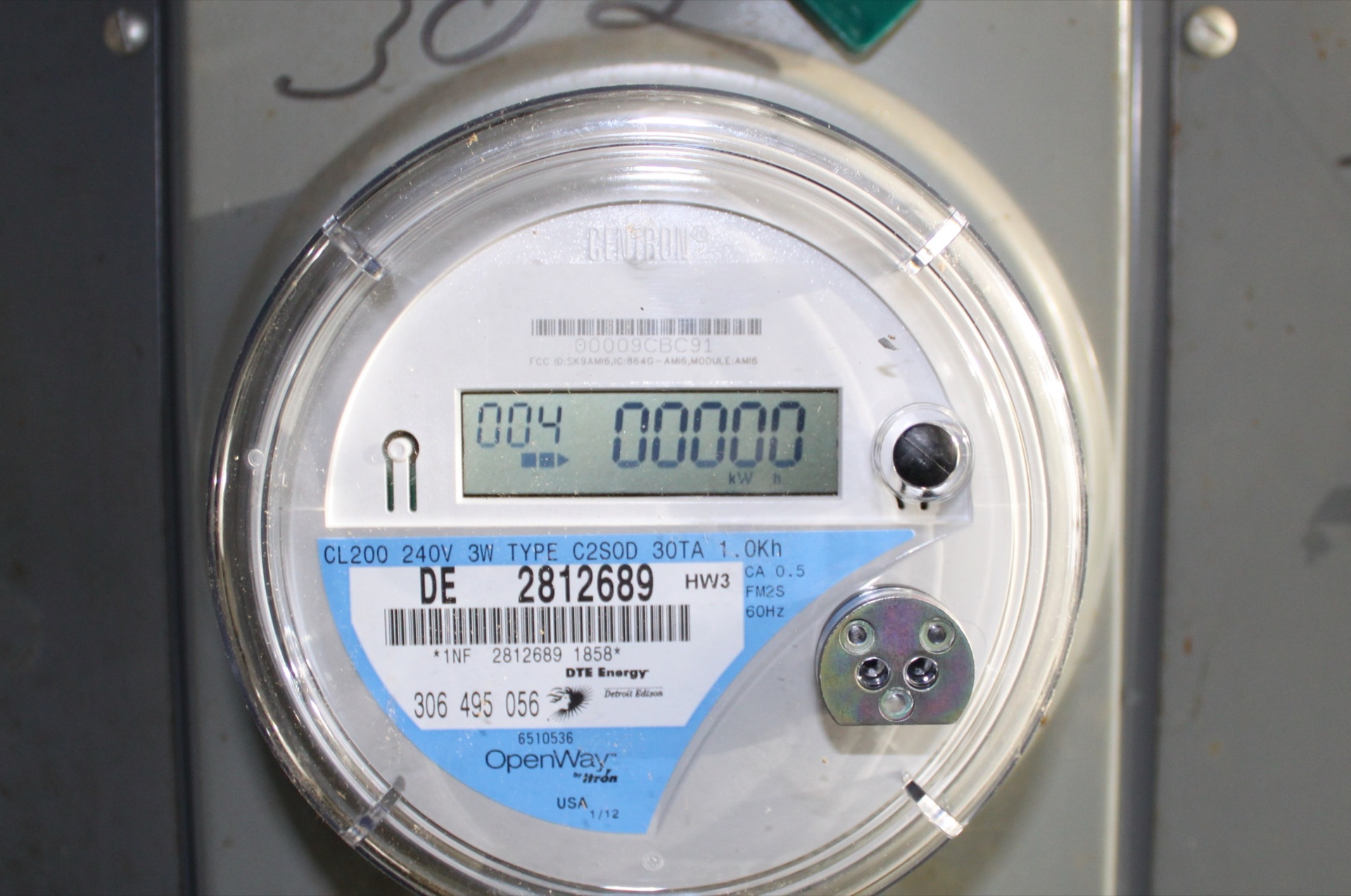
Hero photo, Itron OpenWay Electricity Meter with Two-Way Communications, by Dwight Burdette, February 24, 2012. Licensed under CC BY 3.0. Cropped from 3316 x 3145 to 3316 x 2200 pixels, resized to 1920 x 1274 and JPEG-compressed. This archival photo illustrates metered consumption. It does not show Google infrastructure or any organization affected by these incidents. No endorsement is implied.